
How it works
Five minutes to set up. Seconds per entry after that.
Outlay is designed for the moment right after you pay, when there is time for one line and no more.
- 01
Install and sign in
Email, Google or Apple. A personal workspace with sensible categories is ready on the first sign-in; rename or reshape them whenever you like.
- 02
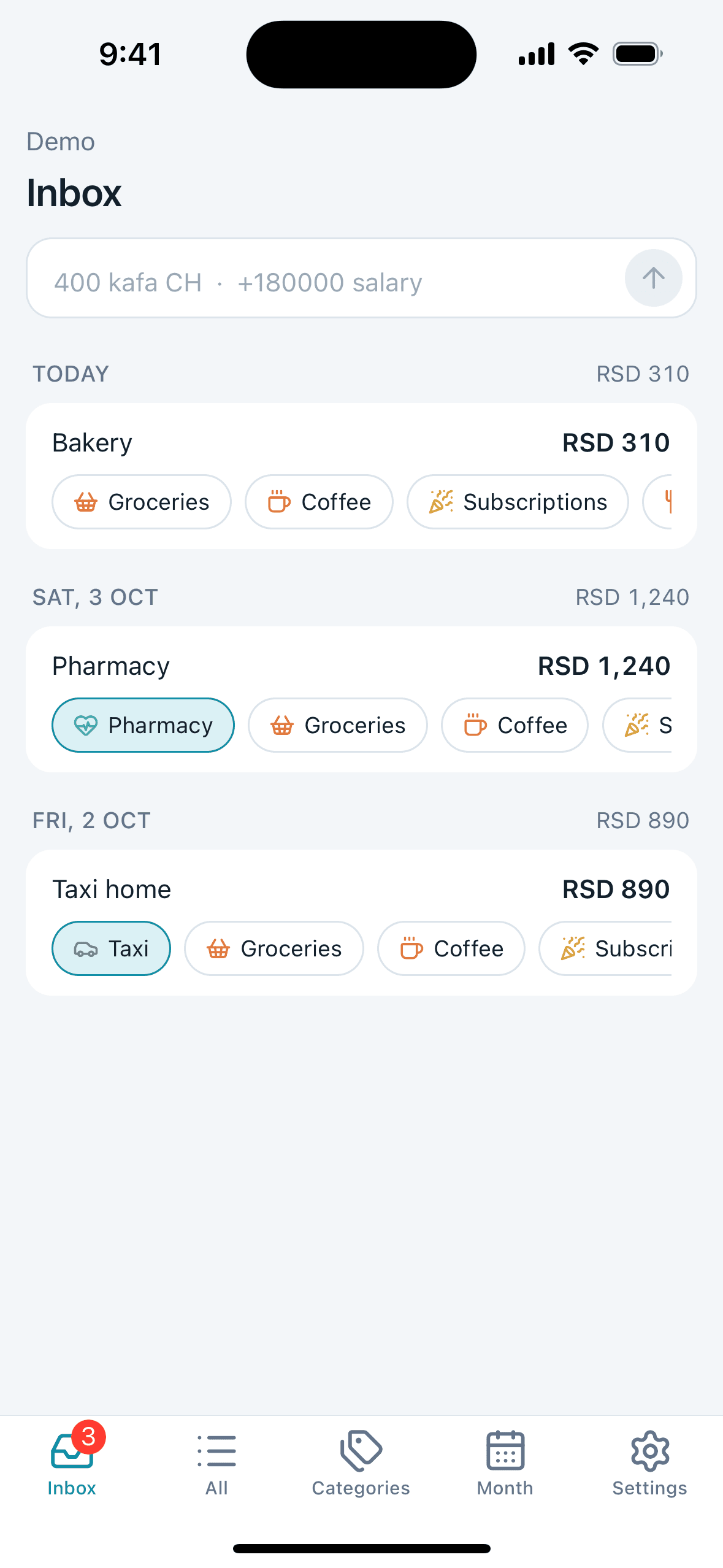
Add spending in one line
"400 coffee" is an expense of 400 described as coffee. "+180000 salary" is income. "100 eur dinner" is converted at the rate you used last time. Nothing else to fill in; the date is today unless you change it.
- 03
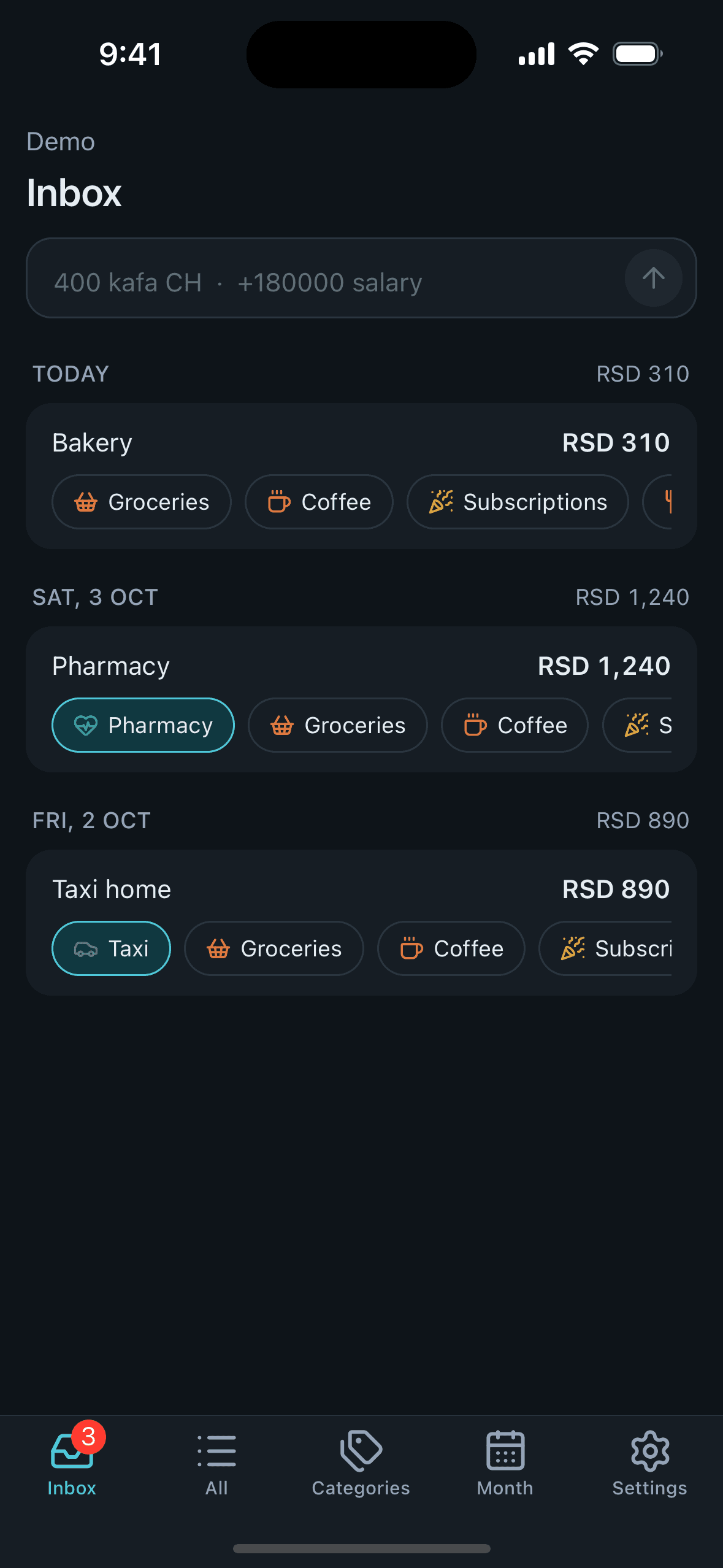
Sort the inbox when convenient
New entries wait in the inbox with suggested categories as chips. Tap one and it is filed. Hold a chip and the app will suggest it for that description from then on.
- 04
Read the month
The Month tab shows what was spent, what came in, how the month is pacing against your usual, and the biggest categories. Budgets, if you set them, sit right there.
- 05
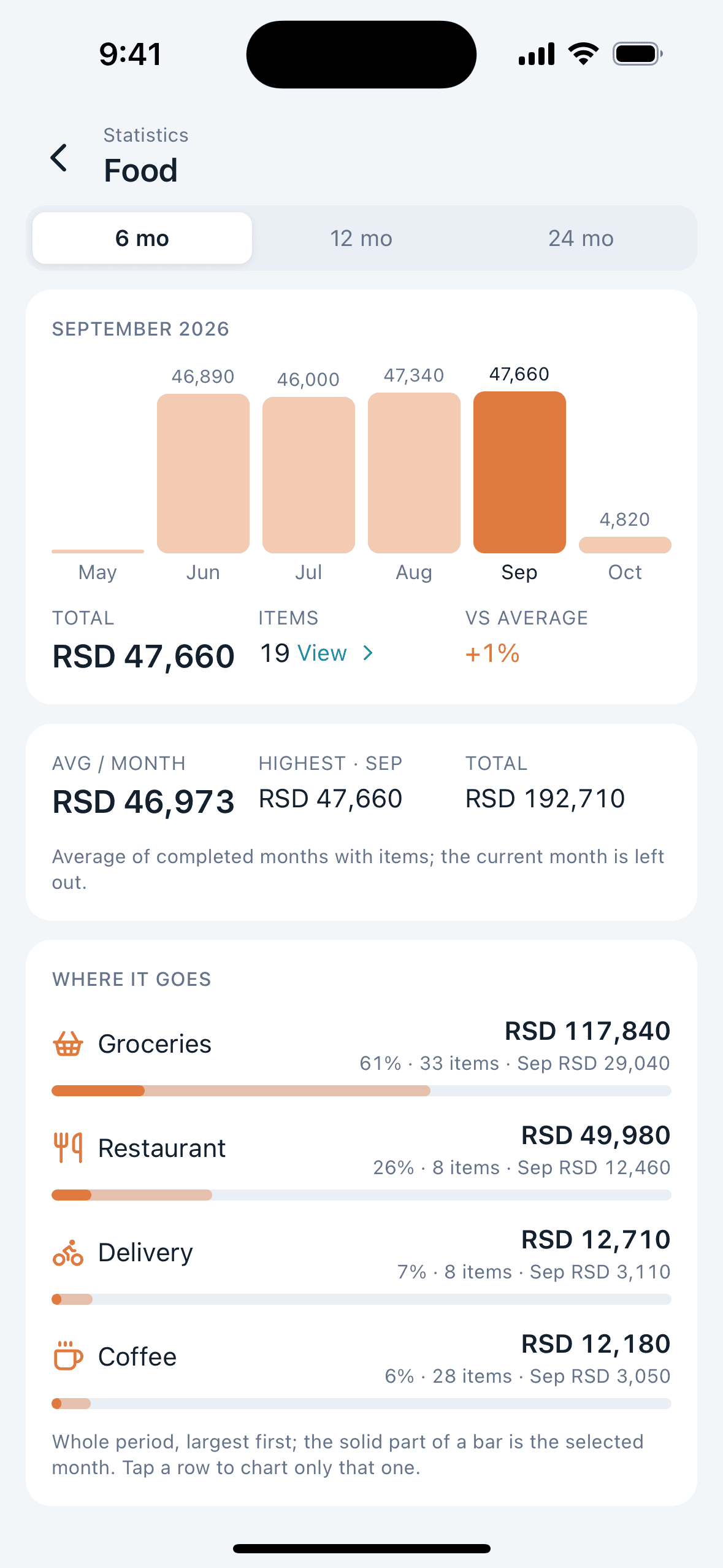
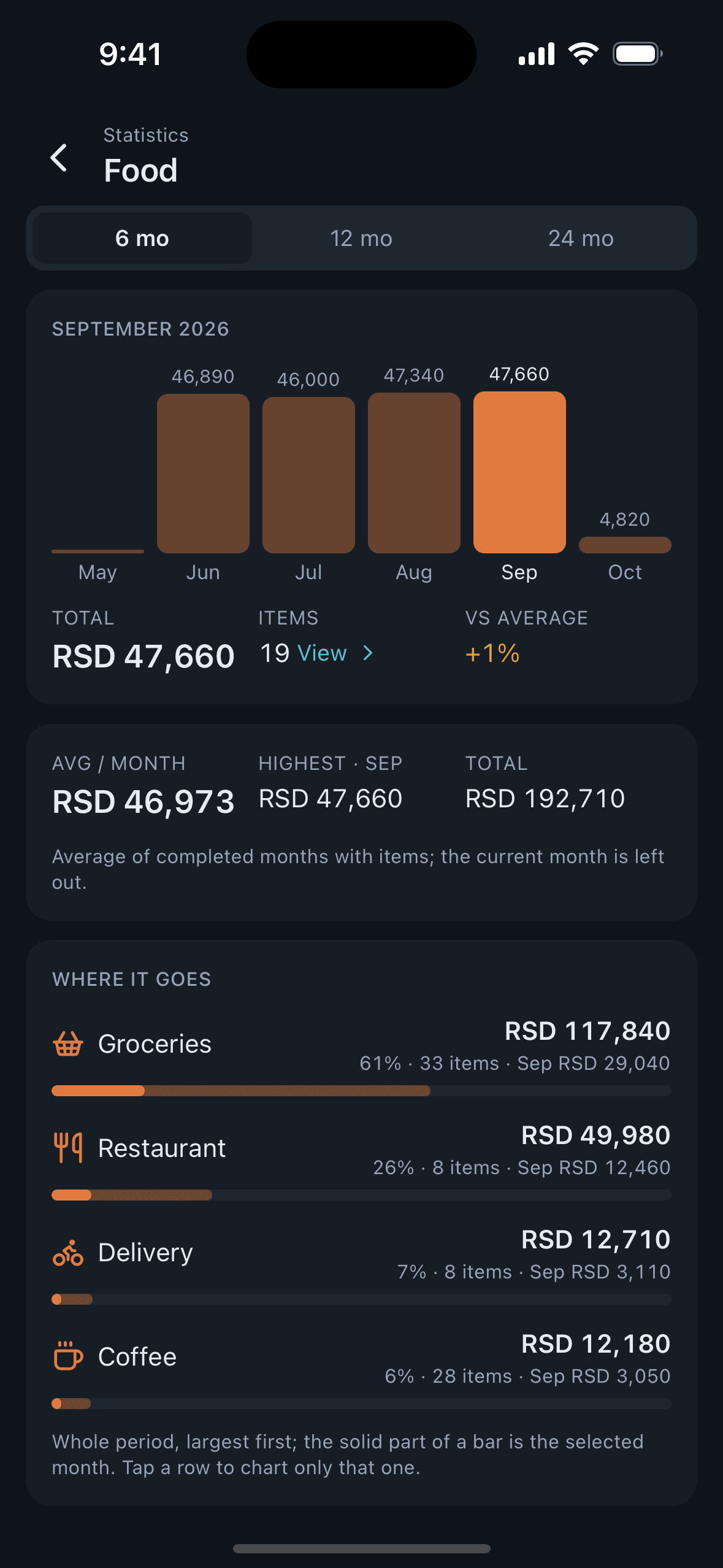
Dig into a category
Open any category for its entries by month, then its statistics: months side by side, the split by subcategory, and the transactions behind each bar.
Sharing with someone?
Create a second workspace in Settings and invite them by email. You both keep a personal workspace too, and the numbers never mix.
Get the app